





Learn how to harness the full power of Resolume Arena — from the basics all the way to advanced mapping and live VJ performance.
Already working in the event industry and looking to expand into live visuals
Anyone interested in real-time video editing and animation
Those who already perform but want to take their skills to the next level
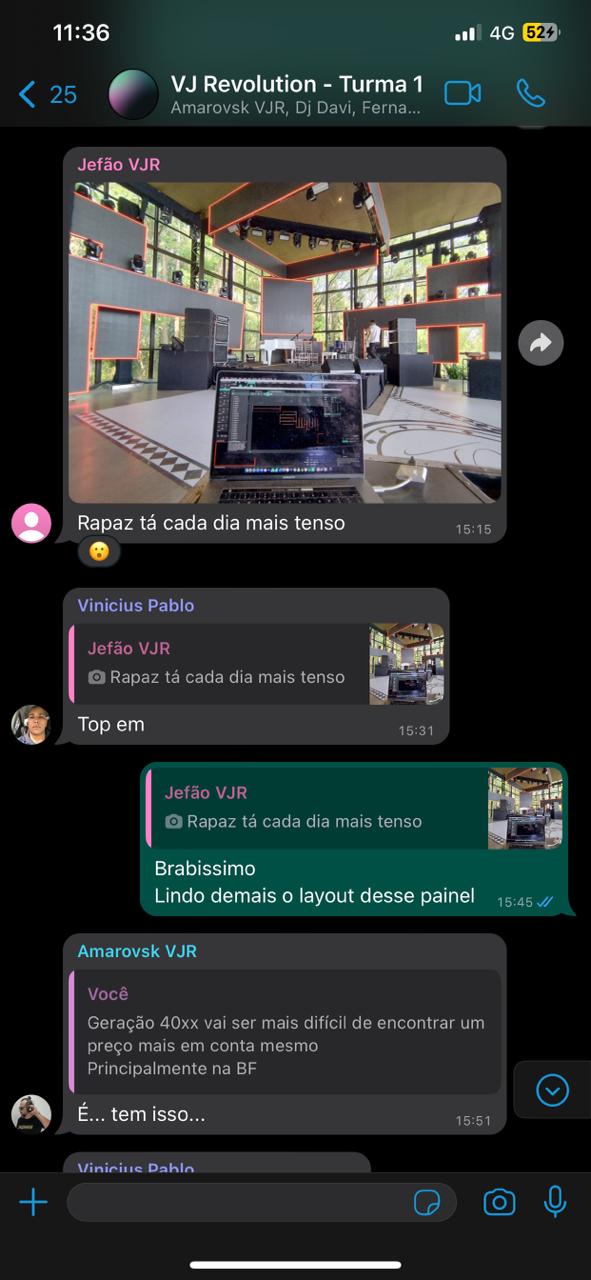
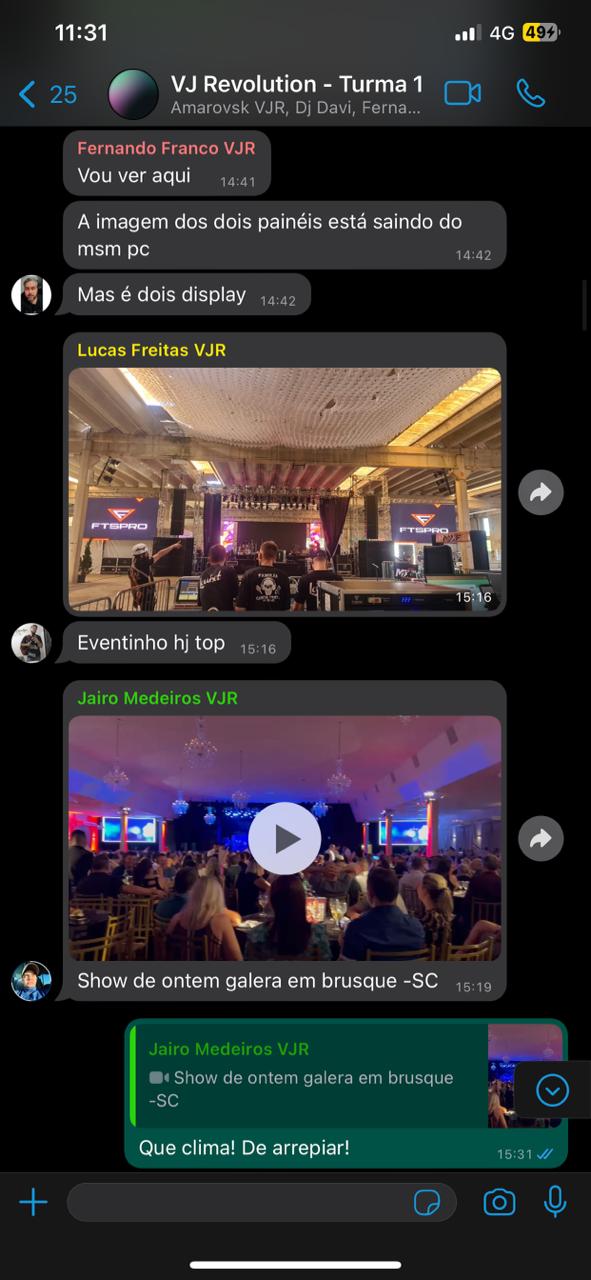
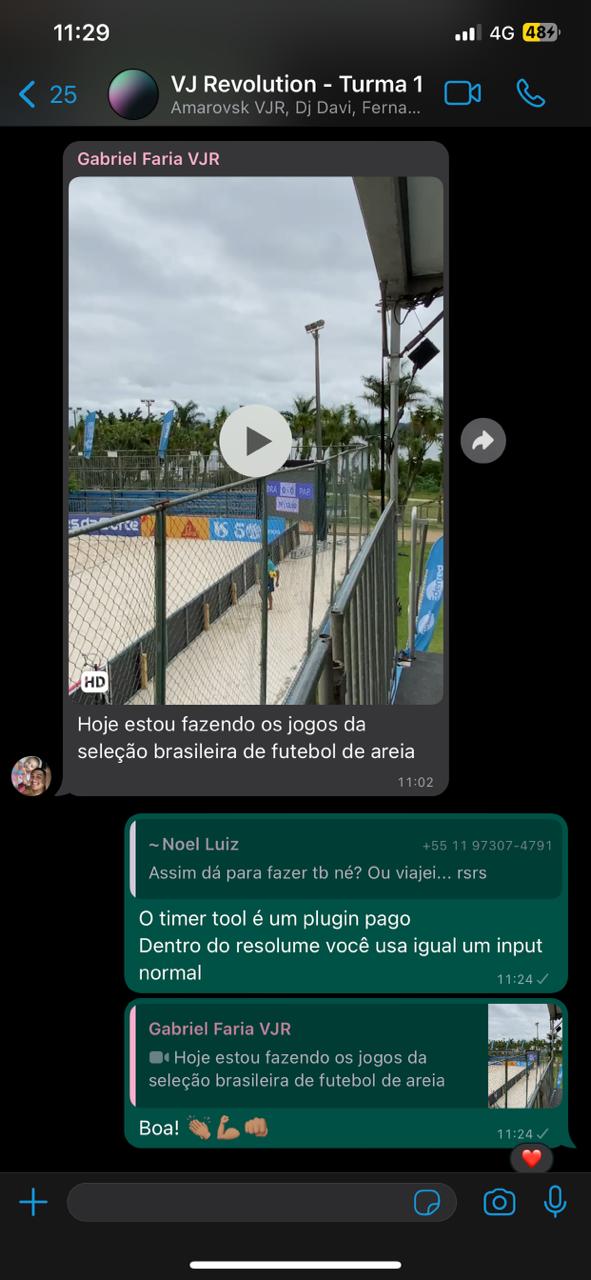
In this module, you’ll be introduced to our community and the world of VJing.
We’ll explore the history of the profession, how the market works, and the essential gear used by VJs on a daily basis.
Now that you understand the VJ world, it’s time to dive into key video concepts.
This theoretical foundation is crucial, especially if you’re new to the audiovisual field.
You’ll also learn how to optimize your system and media files for use in Resolume.
Here begins the hands-on part. You’ll learn how to install and register Resolume, get familiar with its core interface, vocabulary, and optimal setup.
By the end, you’ll know how to send a basic video output.
Clips are the media you use inside Resolume — from videos and music to generative content.
This module covers clip properties, resizing, playback controls, and all the tricks to speed up your live performance workflow.
Advanced Output is Resolume’s most powerful feature — often overlooked by beginners.
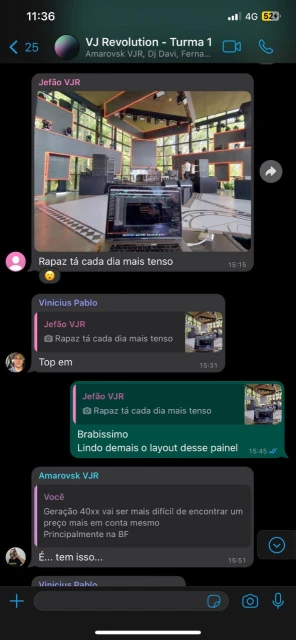
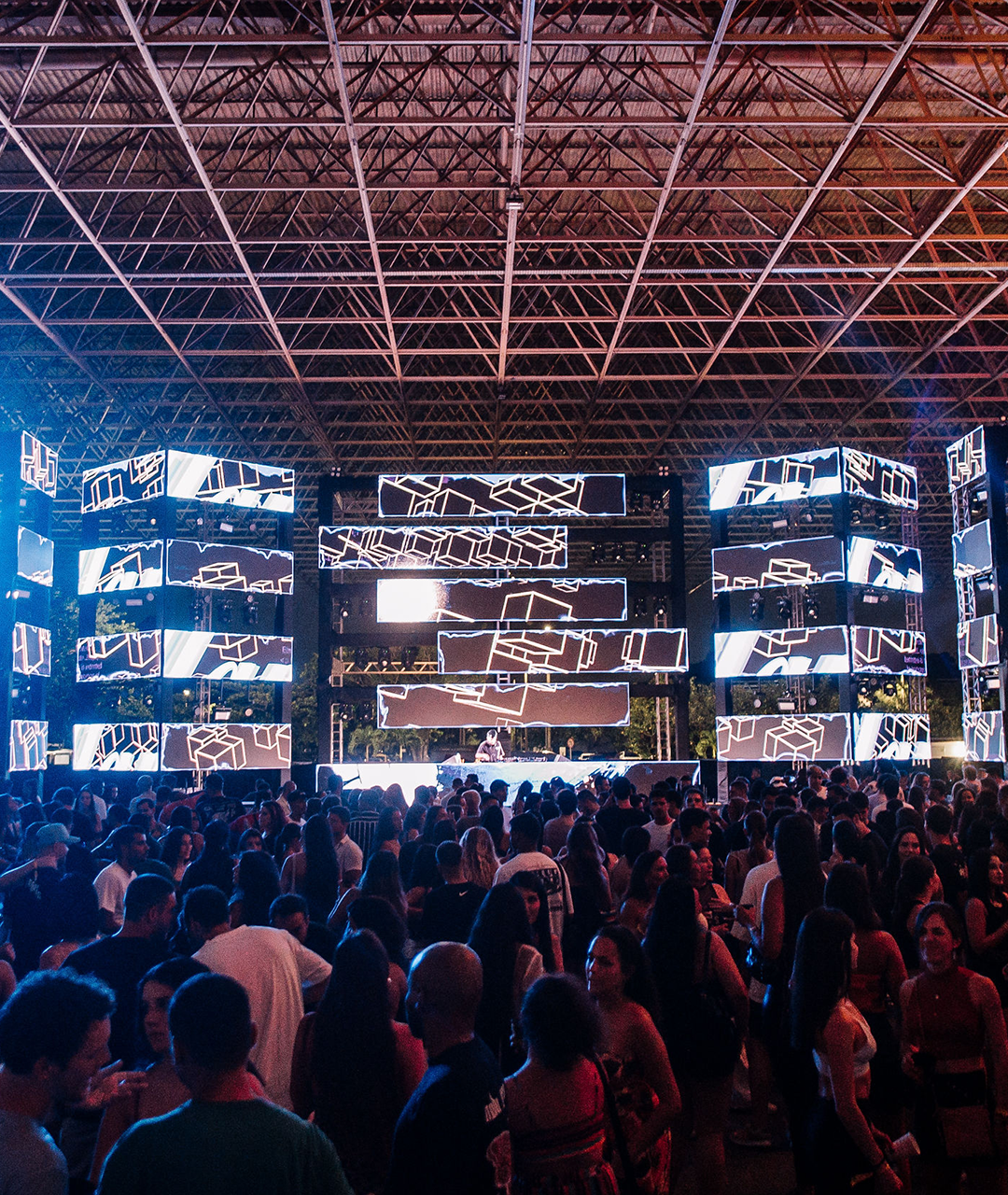
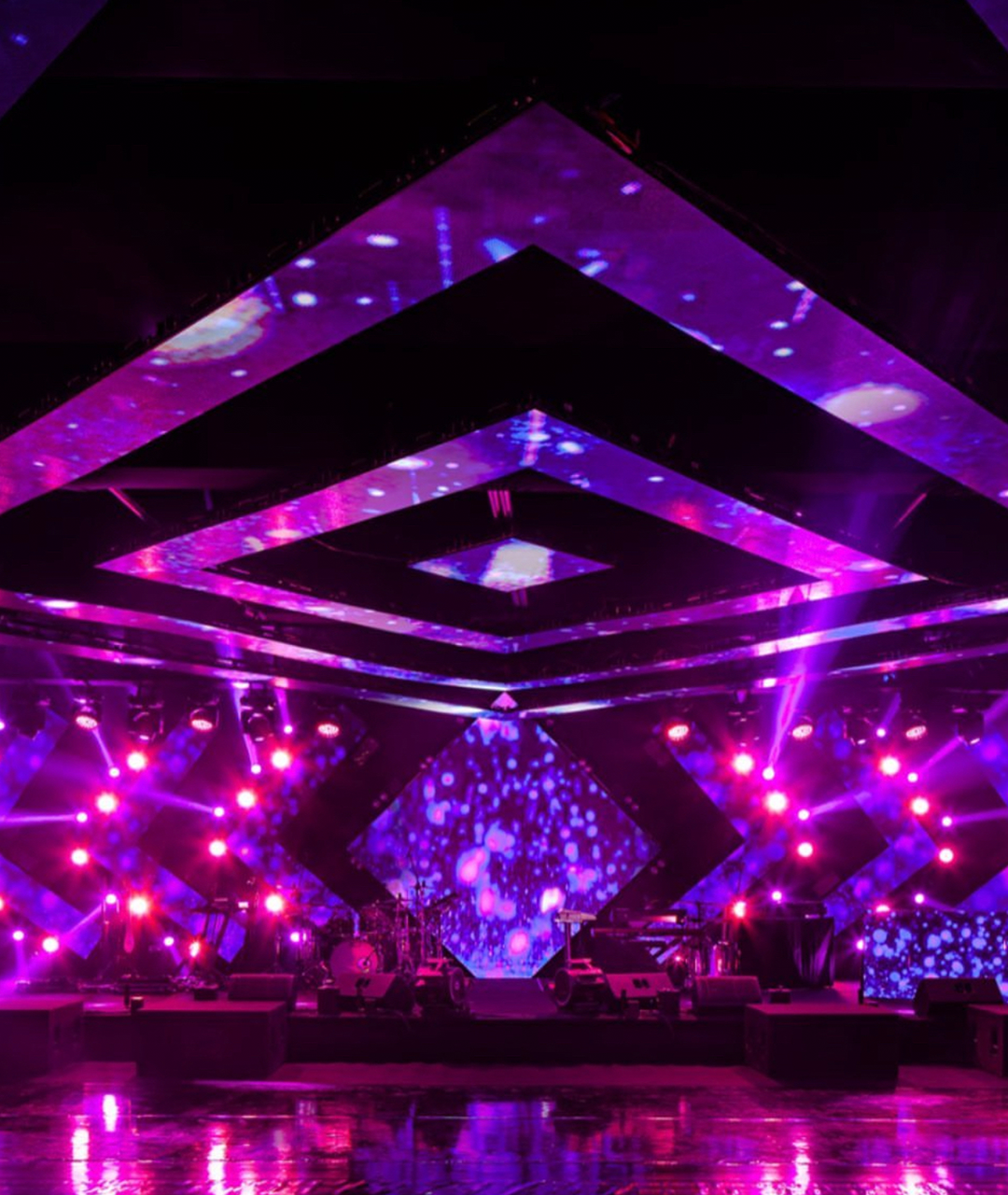
Here, you’ll learn how to map LED panels or multiple projectors, using tools that allow you to transform and warp your image output to perfectly fit your screens.
You’ll learn how to create stunning visuals like strobes, distortions, and glitch effects inside Resolume.
We’ll also cover color theory and how to keep visual consistency.
As a final project, you’ll recreate the Stranger Things intro using only text tools inside Resolume.
Organization is key.
In this module, you’ll build a clean and structured composition adapted to different event types — whether corporate, social, or stage shows.
Essential for VJs working with music.
You’ll learn musical timing, BPM Sync, audio input techniques, and how to automate parameters to keep visuals in sync with the beat.
Shortcuts are a VJ’s best friend.
Learn how to map Resolume shortcuts to keyboards, MIDI controllers, tablets, smartphones, gamepads, and Stream Decks.
Timecode is a synchronization system used in large-scale productions.
You’ll learn what it is, how it works, and how to set it up and use it within Resolume for perfect syncing across devices.
Learn how to use NDI — a network-based video protocol — to send and receive video without needing a physical video output.
A set of lessons focused on Motion Design and how to create custom animations that enhance your Resolume performances.


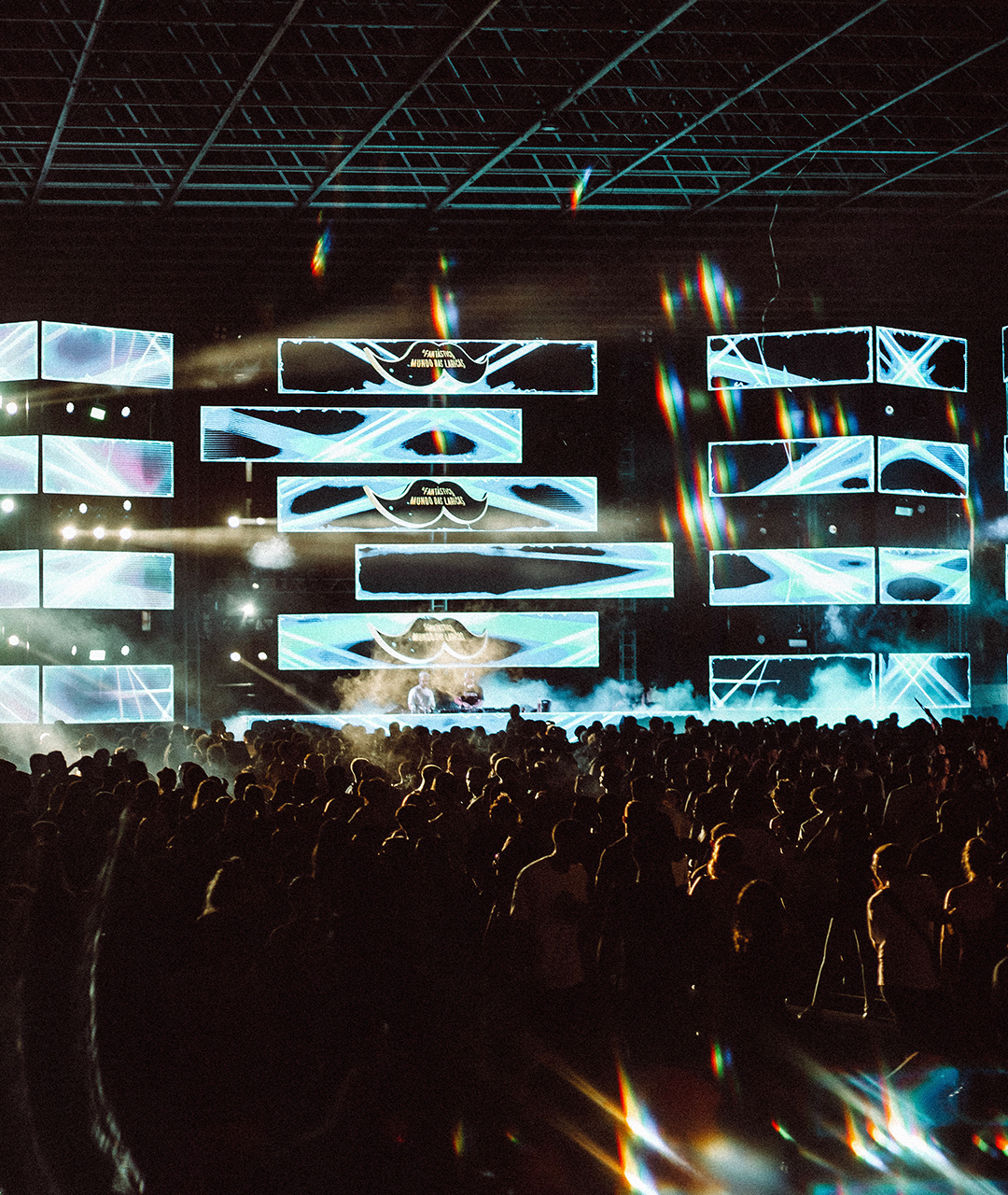
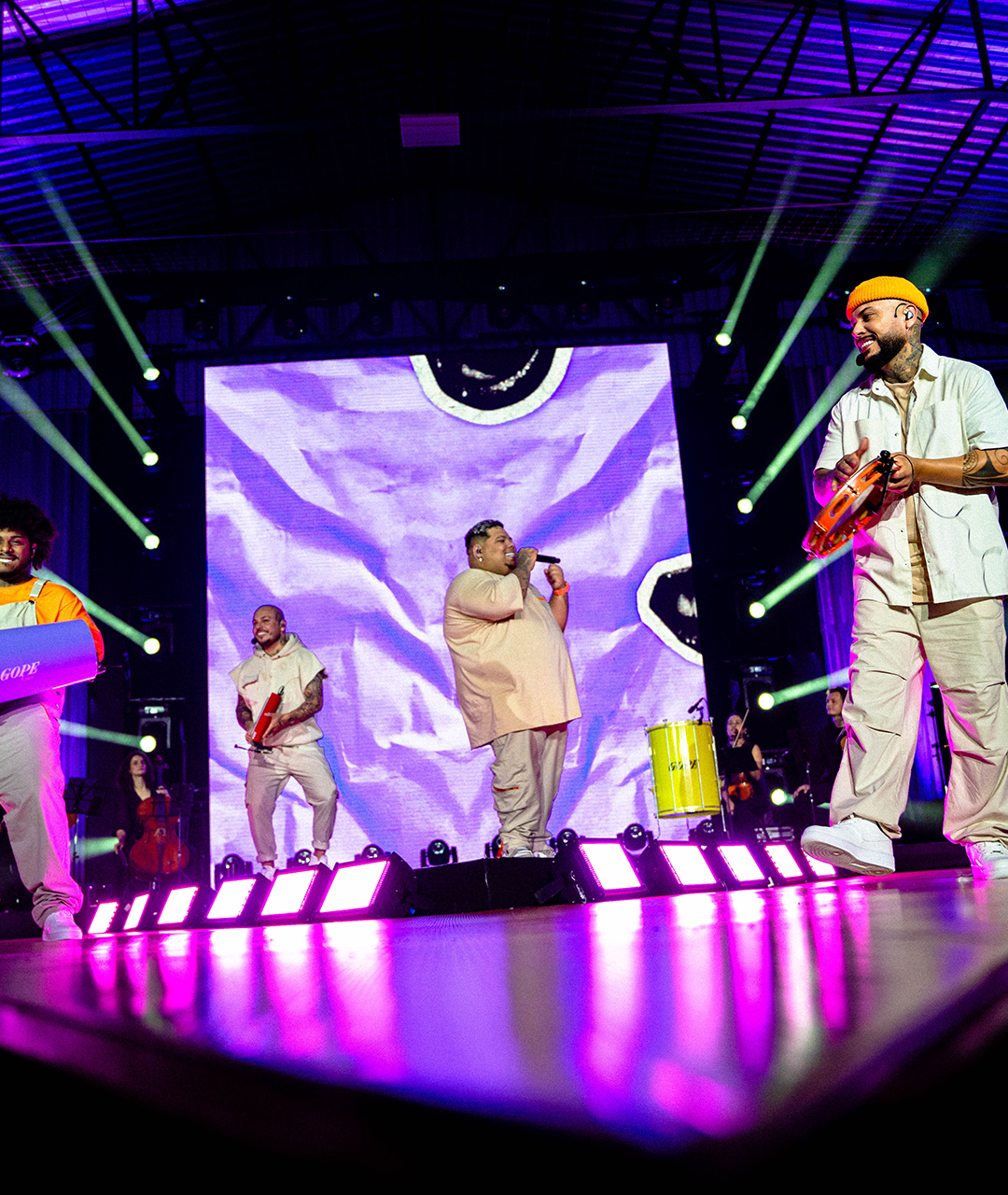
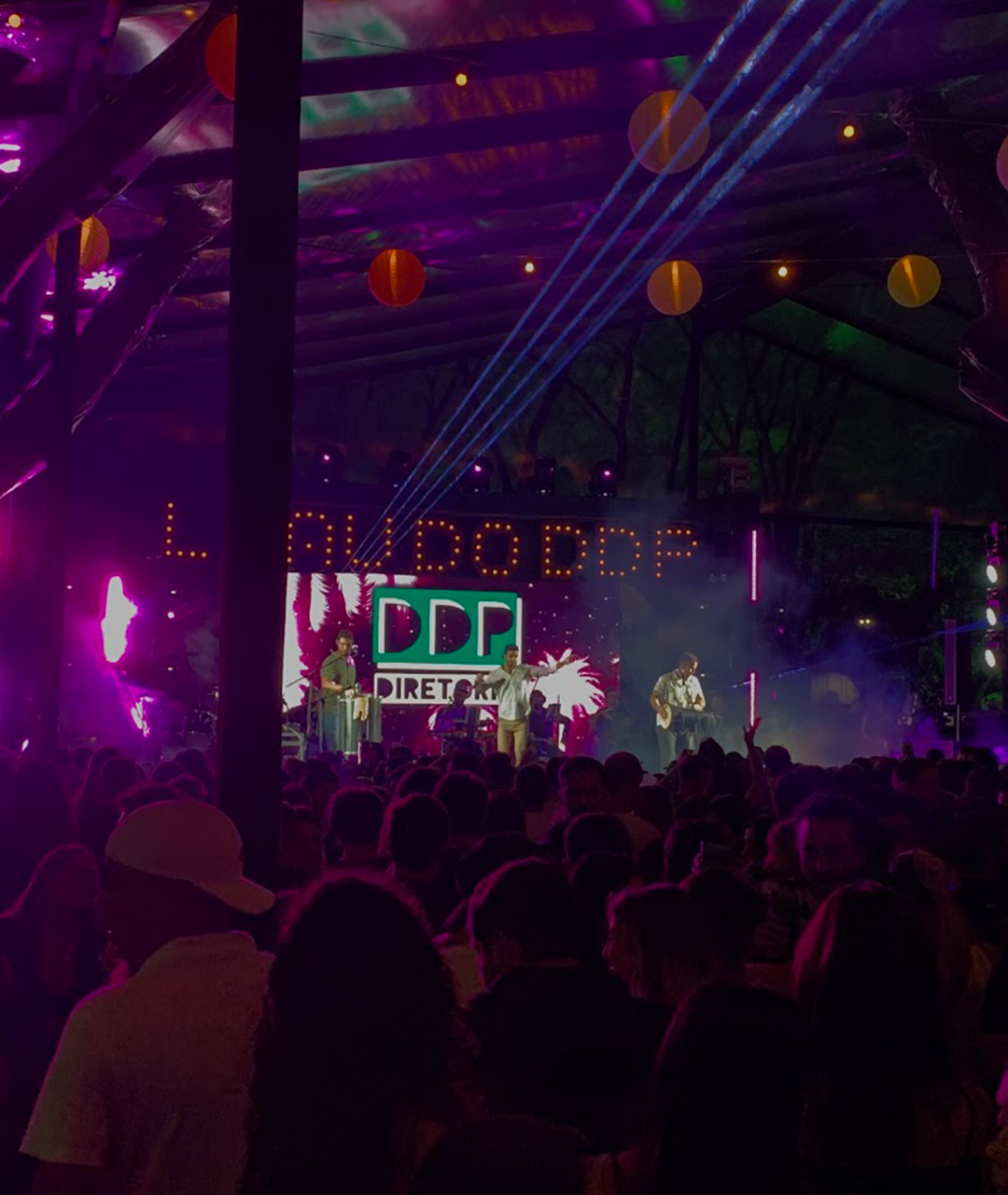
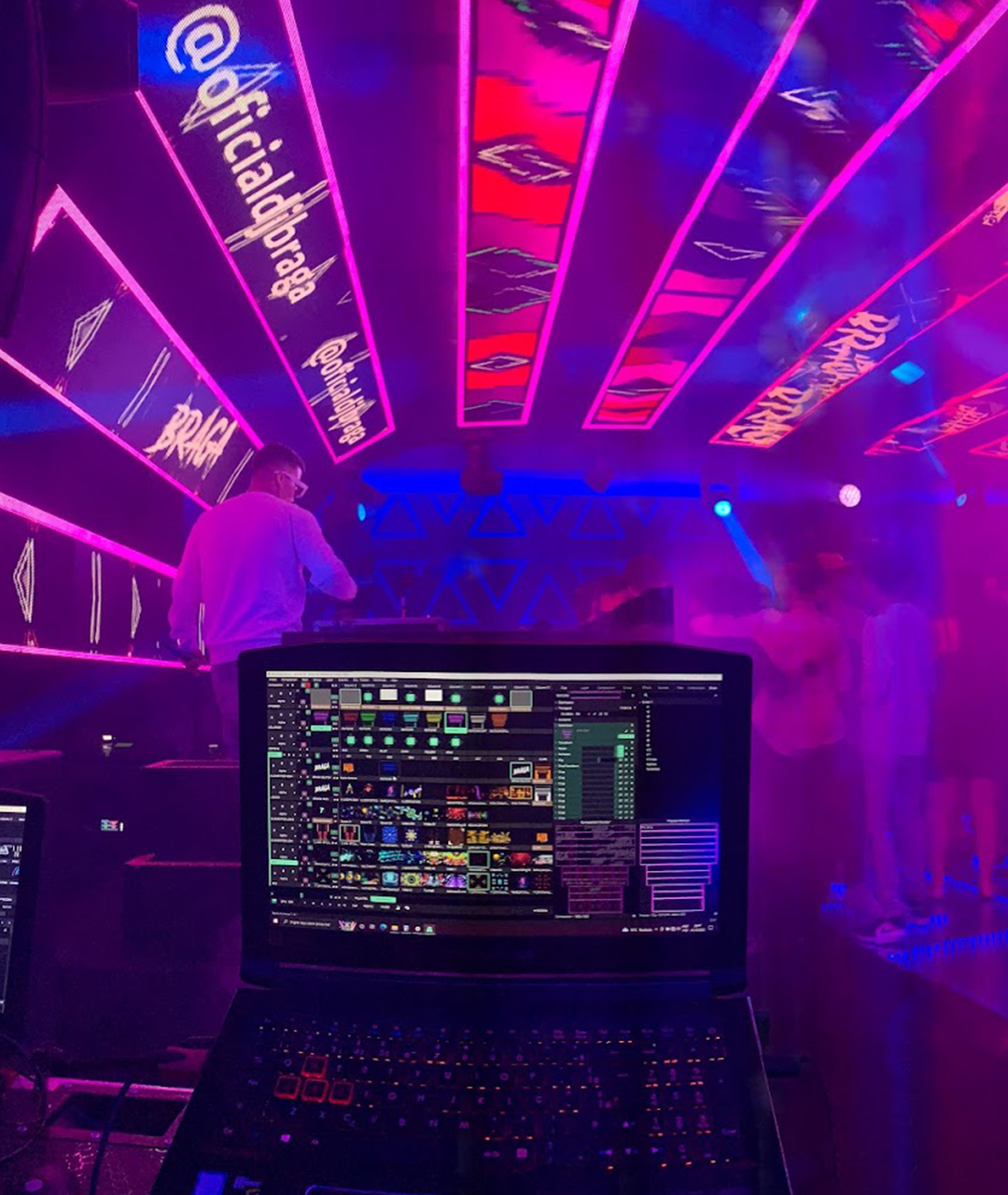
I’m a VJ and Motion Designer from Brazil. I’m 30 years old and have been working in the event industry since I was 14 — but for the past 5 years, I’ve been fully dedicated to my visual career.
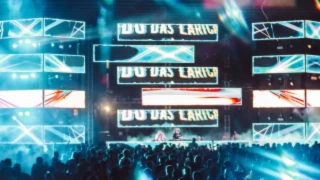
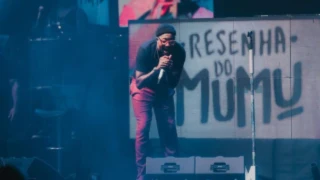
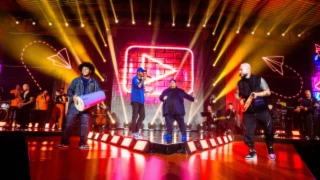
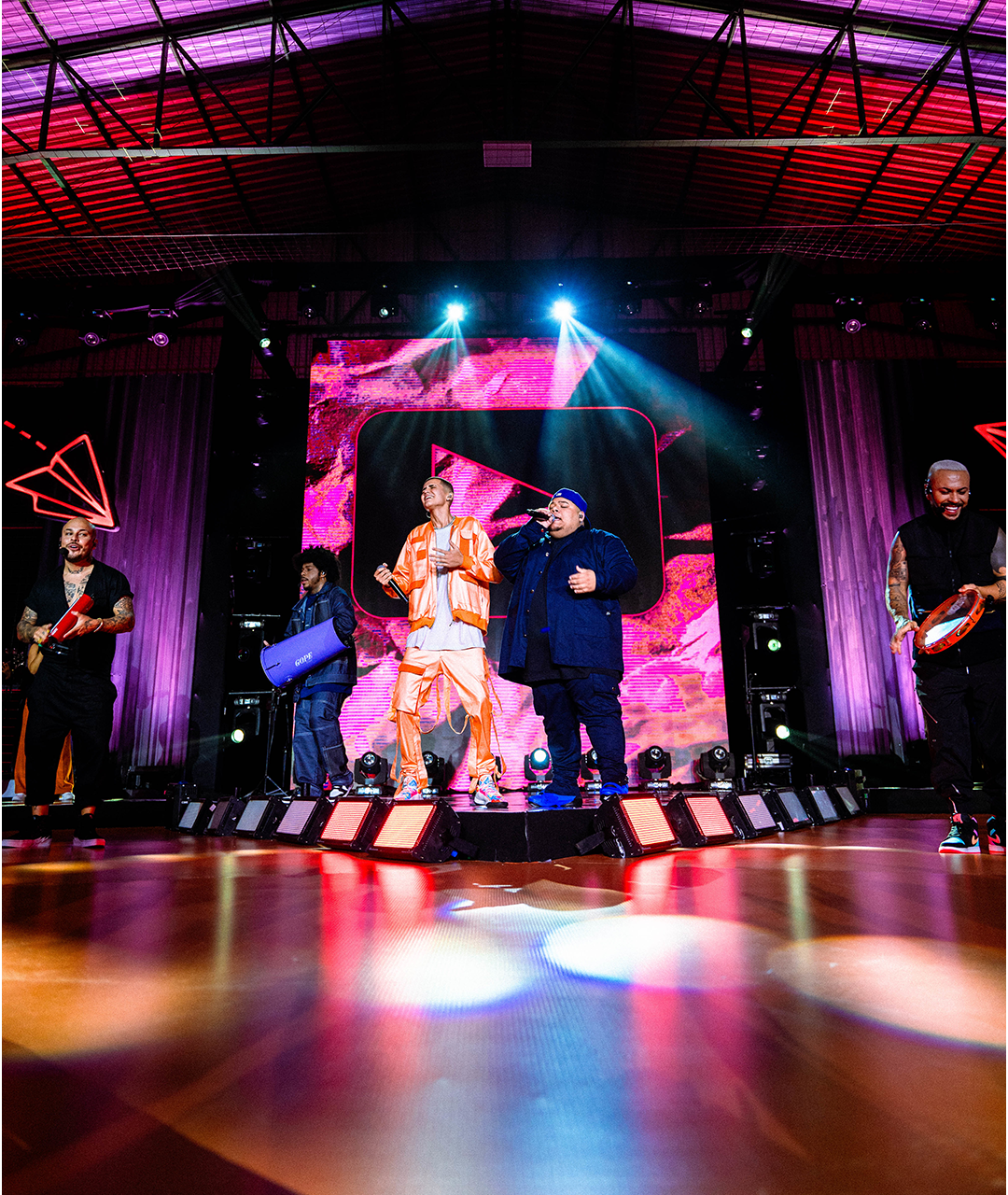
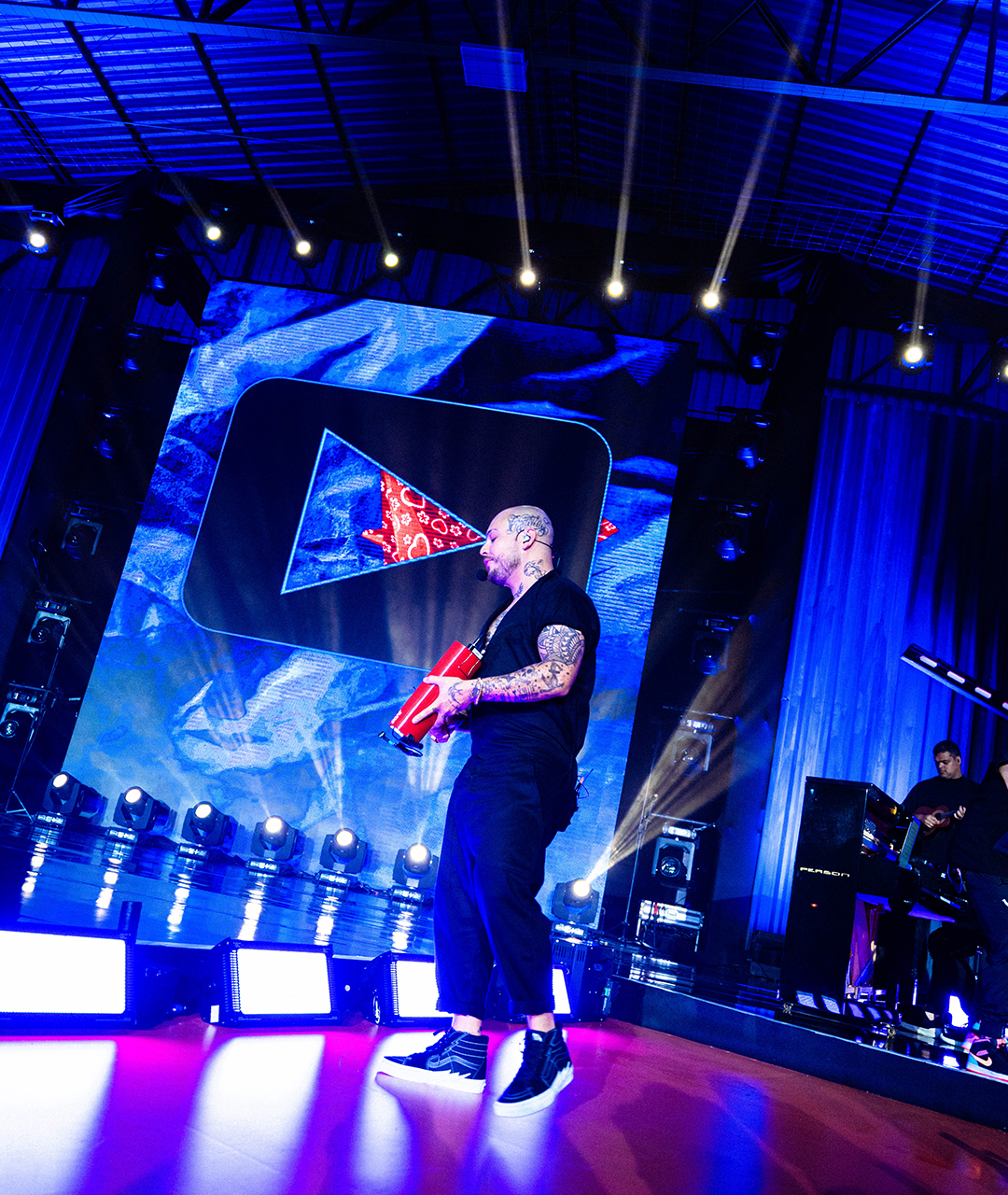
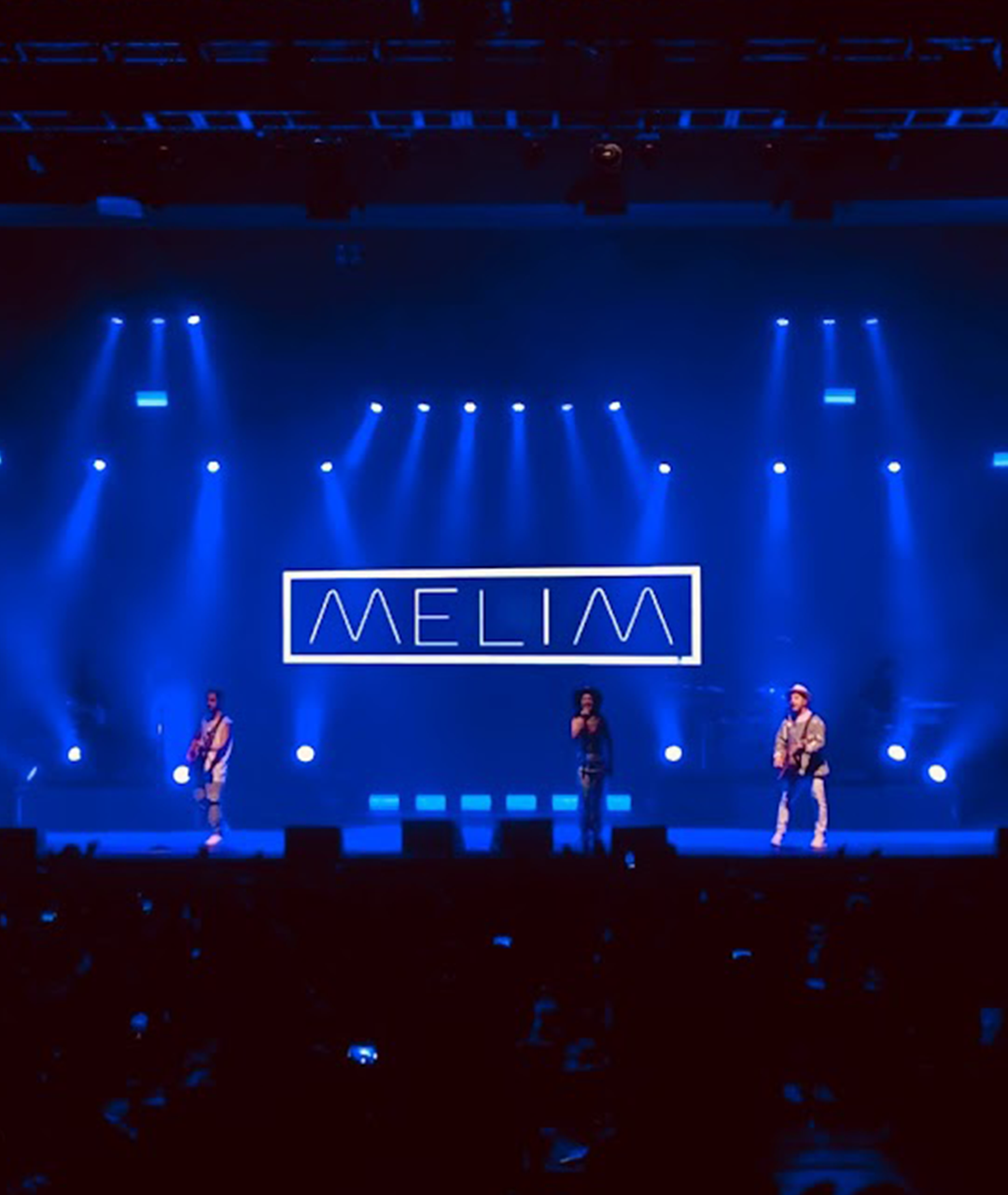
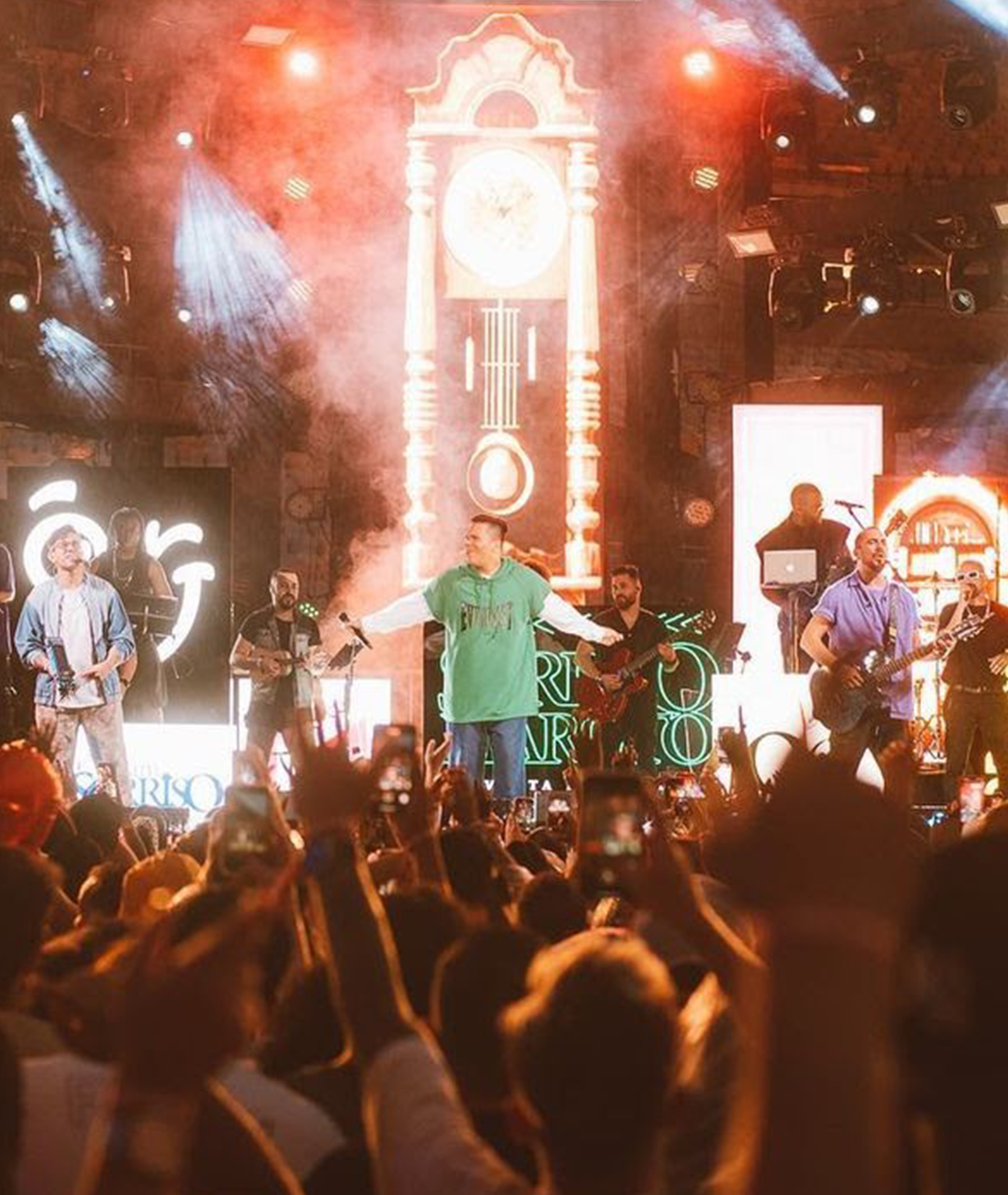
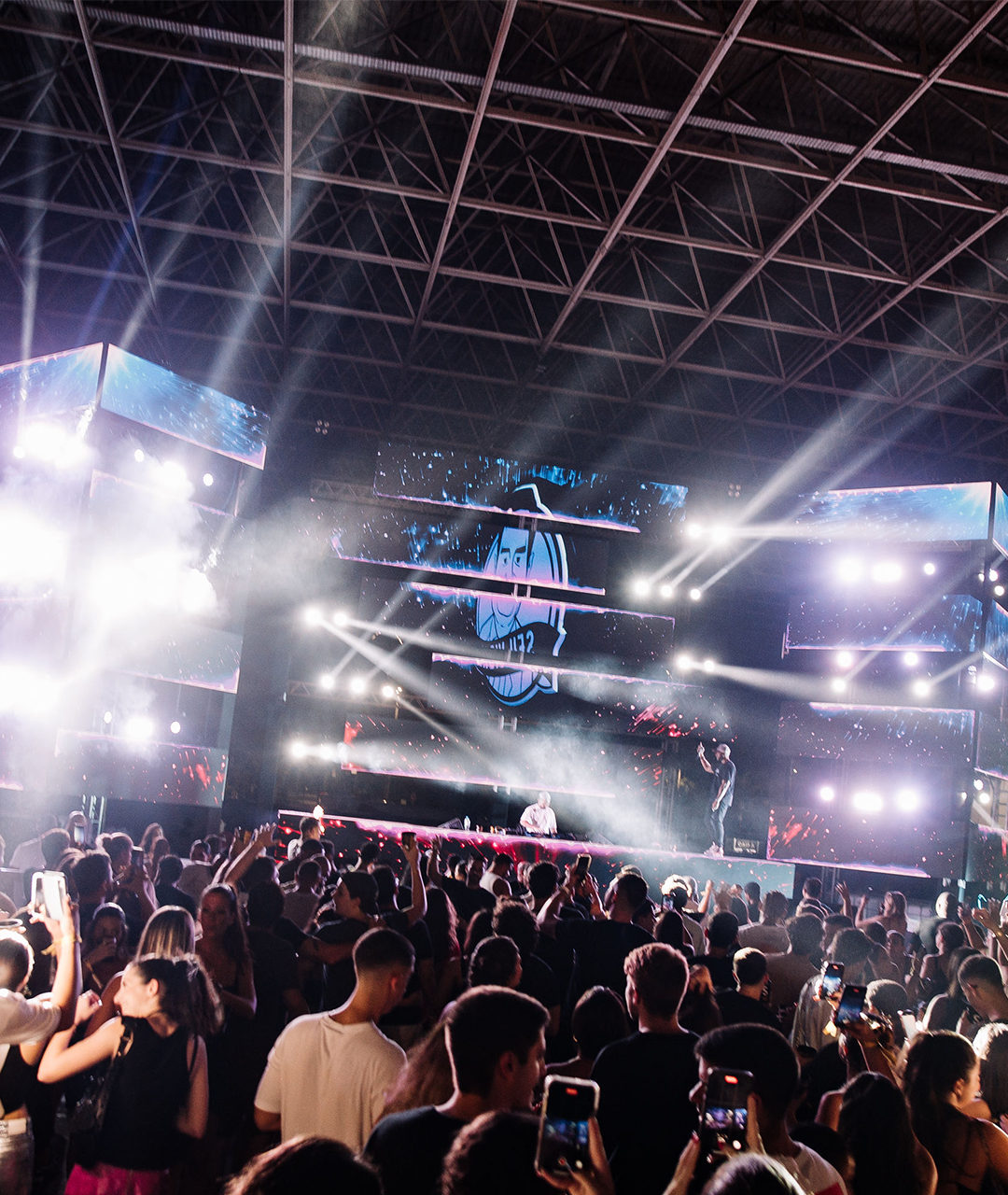
In recent years, I’ve had the opportunity to work on major corporate events and collaborate with some of Brazil’s biggest artists.
In these projects, I’ve worked both as a live VJ and as a creator of custom visual content.
All of this experience fuels my passion for sharing what I’ve learned — to inspire, teach, and support other creatives who, just like me, dream of transforming their lives through visuals.


Exclusive VJ Loop Pack

Extra Module: Motion Design Inside Resolume

Extra Module: Unreal Engine integration for mapping training
Becoming a VJ completely changed my life — and it can change yours too. But if, for any reason, the course isn’t what you expected, I’ll give you a full refund. No questions asked. You have 14 days after your purchase to request your money back.
Yes! The course is designed even for those who have never worked as a VJ or used Resolume before.
It’s a one-time purchase — no renewals needed. You’ll have lifetime access.
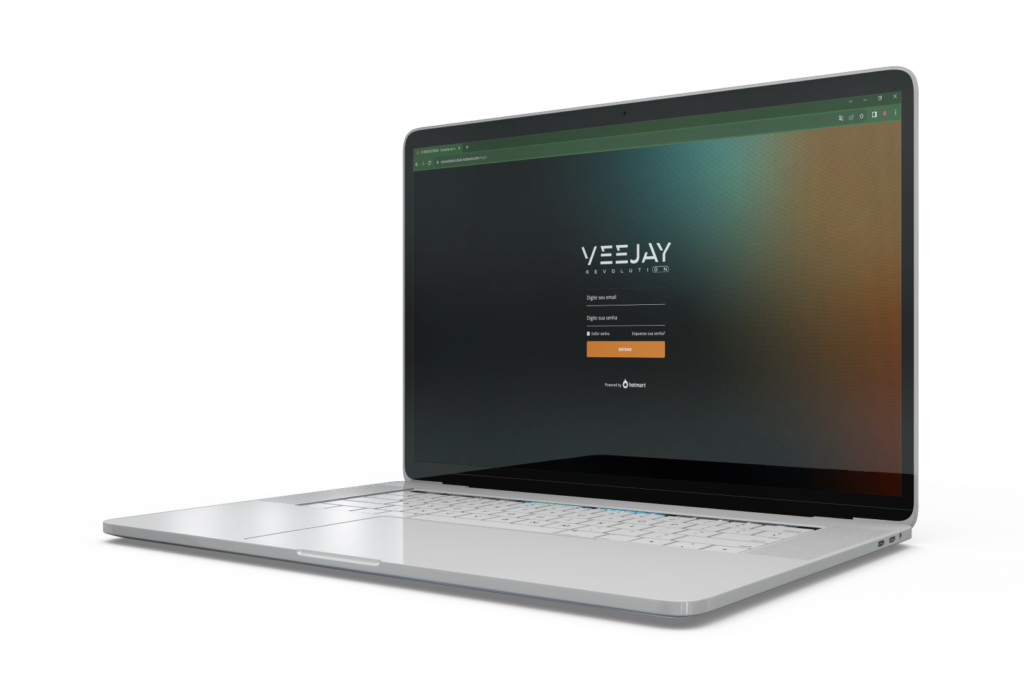
Yes. Using our app, you can download the videos just like on Netflix. You’ll need to log in with your email and password.
Yes. After completing all lessons and assignments, you can request your certificate.